

Apertura mostra Soroptimist in Israele
La socia Mirta Carroli partecipa con due fotografie
L'Unione Soroptimist di Israele ha organizzato una mostra virtuale sul tema della Giornata Internazionale della Donna 2022: "A diverse, equitable and inclusive world". Le organizzatrici: Clara Lewi Rubinowicz- SI president- Israel - Shoshi Frenkel - SI Israel Union
Hanno partecipato Soroptimiste di 73 Paesi della Federazione Europea. L'esibizione mostra una varietà di produzioni artistiche: pittura, fotografia, disegno, collage, scultura.
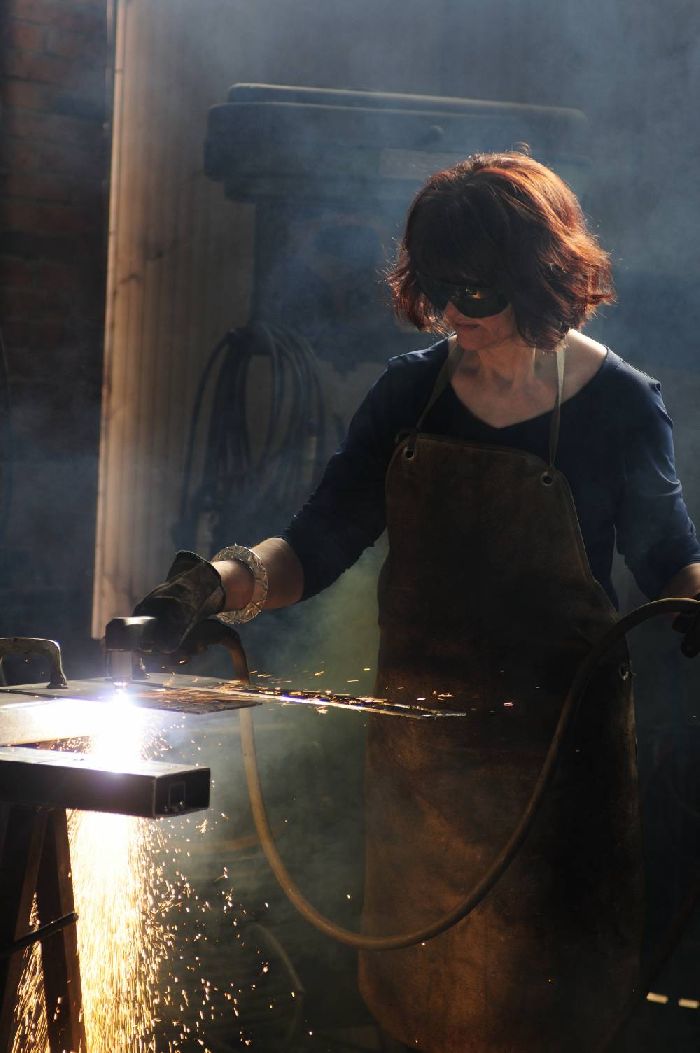
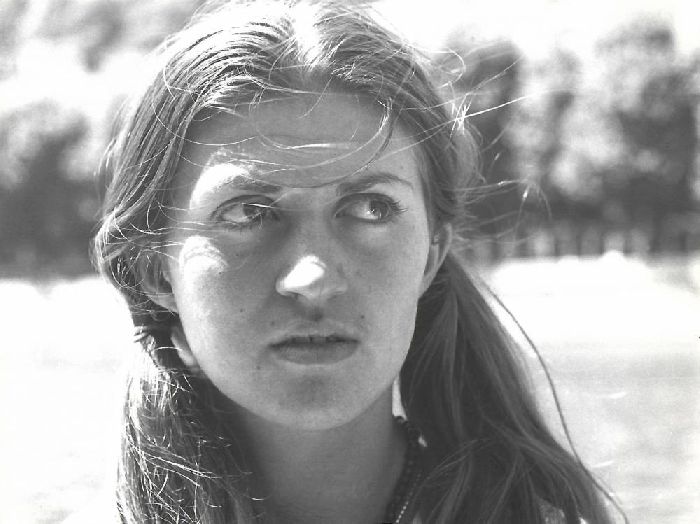
La socia Mirta Carroli ha partecipato con due fotografie: Il lavoro di una donna e Il pensiero di una donna.
La mostra, inaugurata il 9 marzo anzichè l'8 a causa di un problema tecnico, resterà accessibile indefinitamente.
Queste le modalità per accedere:
To embed the exhibition in your
Internet Site, add the following text to your page source:
To access the
vGallery on tablets and SmartPhones, install (if it not installed yet)
the application Artsteps (from the application store) and open it.
Then
enter as GUEST. Next search (in the search window at top of the screen)
for Women – Portraits 8 Mar. 2022, then enter the exhibition.
On
your PC, open your internet browser and (copy and) paste the link:
https://www.artsteps.com/embed/62250402de74d71ab997058e/560/315
To share the gallery in the electronic media just copy this link and paste in the post you publish.
How to navigate in the gallery:
A.When the gallery is displayed at the bottom in the middle of four "buttons" the main arrow starts a tour where you have moved from one viewing mode to another automatically while stopping for a few seconds in the mode.
The backward arrow takes you to the previous position while the rightmost arrow takes you to the next position.
The down arrow displays the list of viewing positions and allows you to "jump" to the desired location.
Clicking again closes the list.
B. At each station you can go on an independent tour by double-clicking on a place on the exhibition floor (a bluish circle with two shoe soles will appear in the same place).
C. You can move away or zoom in on images viewed by using the UP and DOWN arrows on the keyboard.
D. If you want to rotate the direction of the observation, you have to press and hold the left mouse button and drag it to the right, left, up or down.
E. Return to the built-in tour - by clicking on one of the arrows at the bottom of the screen.
